 InjectLog
Reminders and notifications
Phone notifications
Phone notifications require Premium.
Steps
- Phone notifications require Premium.
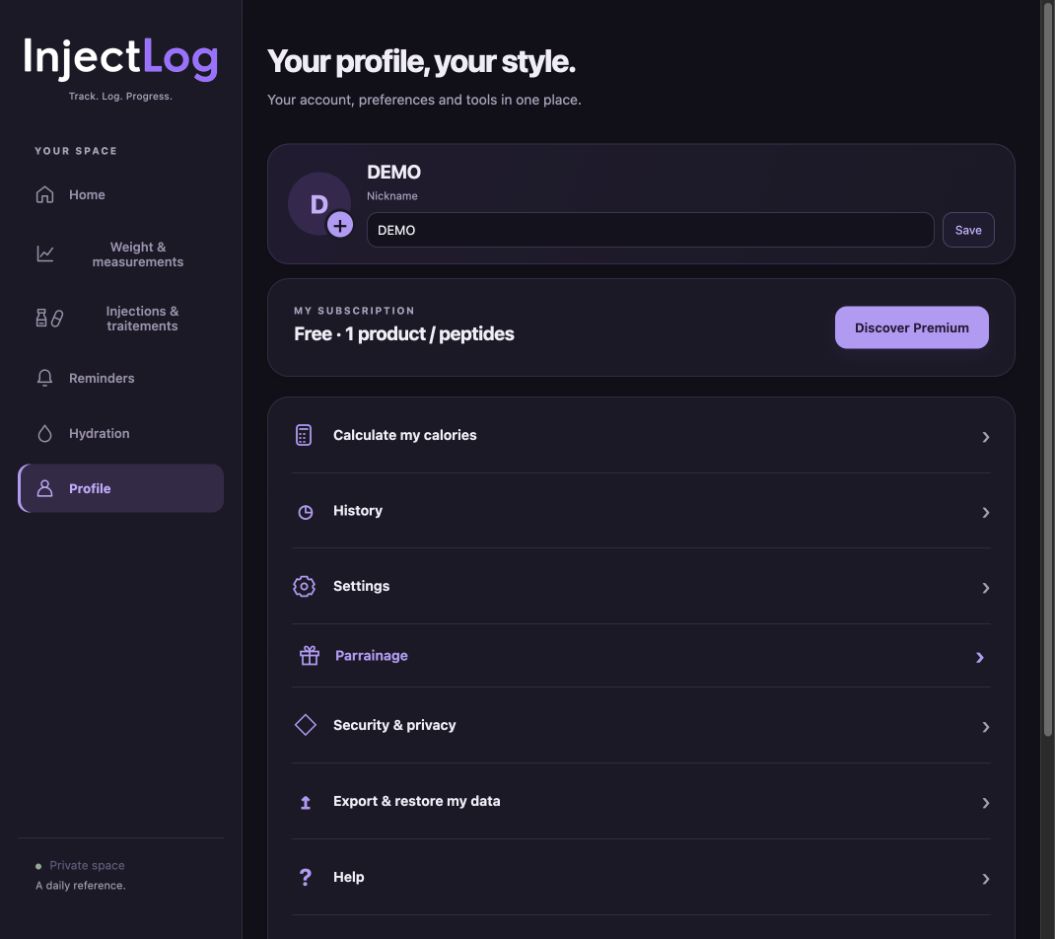
- Reminders sync across your devices and are confirmed only after the injection is saved. Enable phone notifications in Profile → Settings → Notifications (Premium).
- On iPhone, add InjectLog to the Home Screen with Safari, then open the installed app.
- Select the reminders you want. Phone notifications require Premium.
- Enable on this device
- Delivery checked every 5 minutes. Reception depends on the network and phone. No dose is shown.
- Optional: the name may appear on the lock screen and is sent through notification services. No dose is shown.
Expected result
Optional: the name may appear on the lock screen and is sent through notification services. No dose is shown.
Common problems and solutions
Notifications are not allowed. Check your browser or phone settings. This browser does not support notifications.
Frequently asked questions
Phone notifications ?
Phone notifications require Premium.