 InjectLog
Getting started
Sign-in and synchronisation
Sign in with Google or email and password.
Steps
- Sign in with Google or email and password.
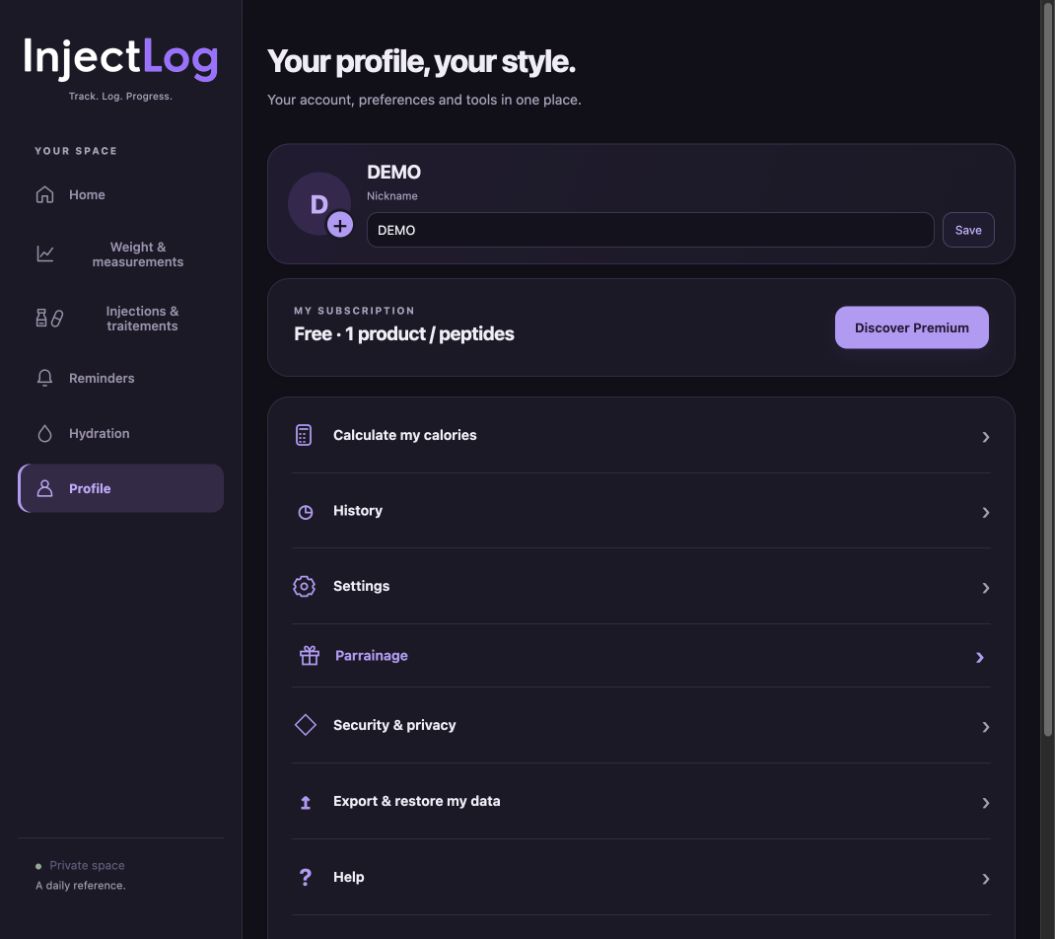
- Use the same account on every device. Create account and Forgot password are on the sign-in page. Apple sign-in is not yet available. Profile shows cloud sync status and provides a JSON export.
Expected result
Sign in with Google or email and password.
Common problems and solutions
Check the signed-in account, selected section and features included in your plan. If unsure, do not delete data; read troubleshooting or contact support.
Frequently asked questions
Sign-in and synchronisation ?
Sign in with Google or email and password.