 InjectLog
Getting started
Change appearance
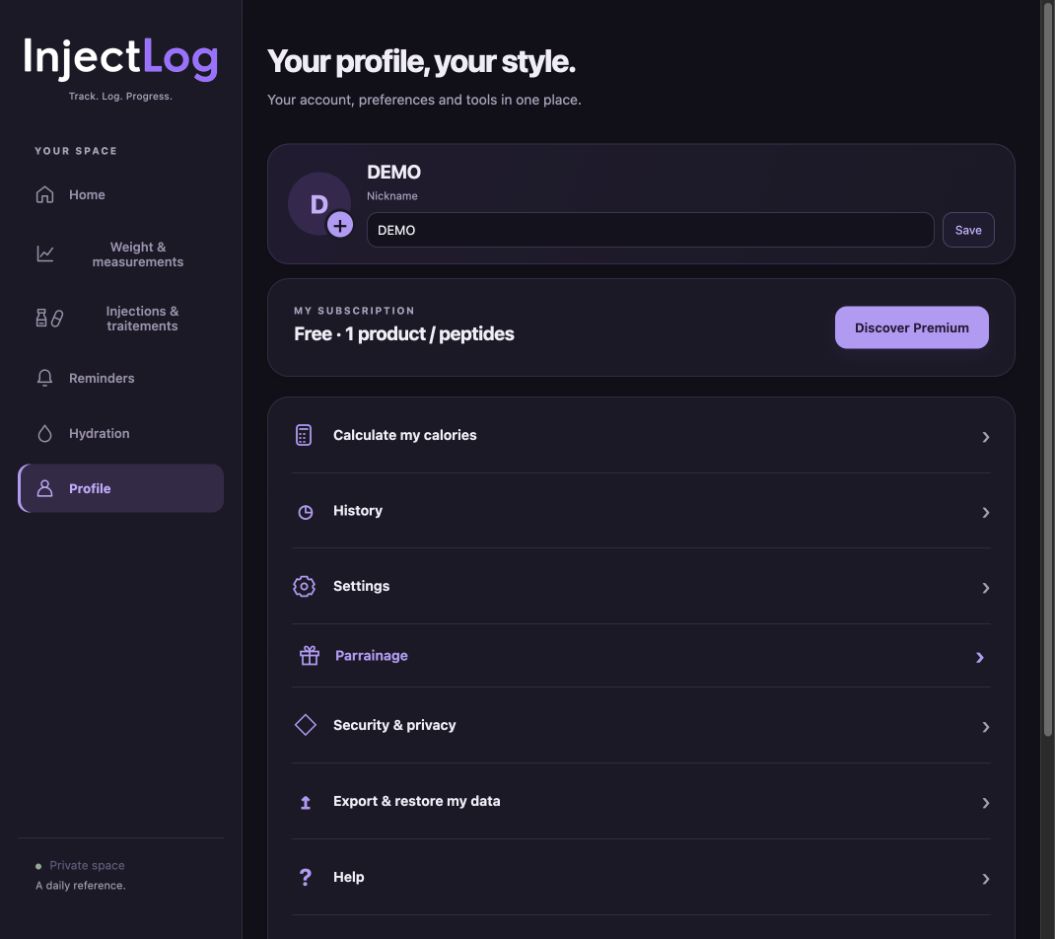
In Profile → Settings → Appearance, all accounts can choose light or dark mode.
Steps
- In Profile → Settings → Appearance, all accounts can choose light or dark mode.
- The logo adapts; your preference is saved on this device.
Expected result
The logo adapts; your preference is saved on this device.
Common problems and solutions
Check the signed-in account, selected section and features included in your plan. If unsure, do not delete data; read troubleshooting or contact support.
Frequently asked questions
Change appearance ?
In Profile → Settings → Appearance, all accounts can choose light or dark mode.