 InjectLog
Getting started
Edit my profile and settings
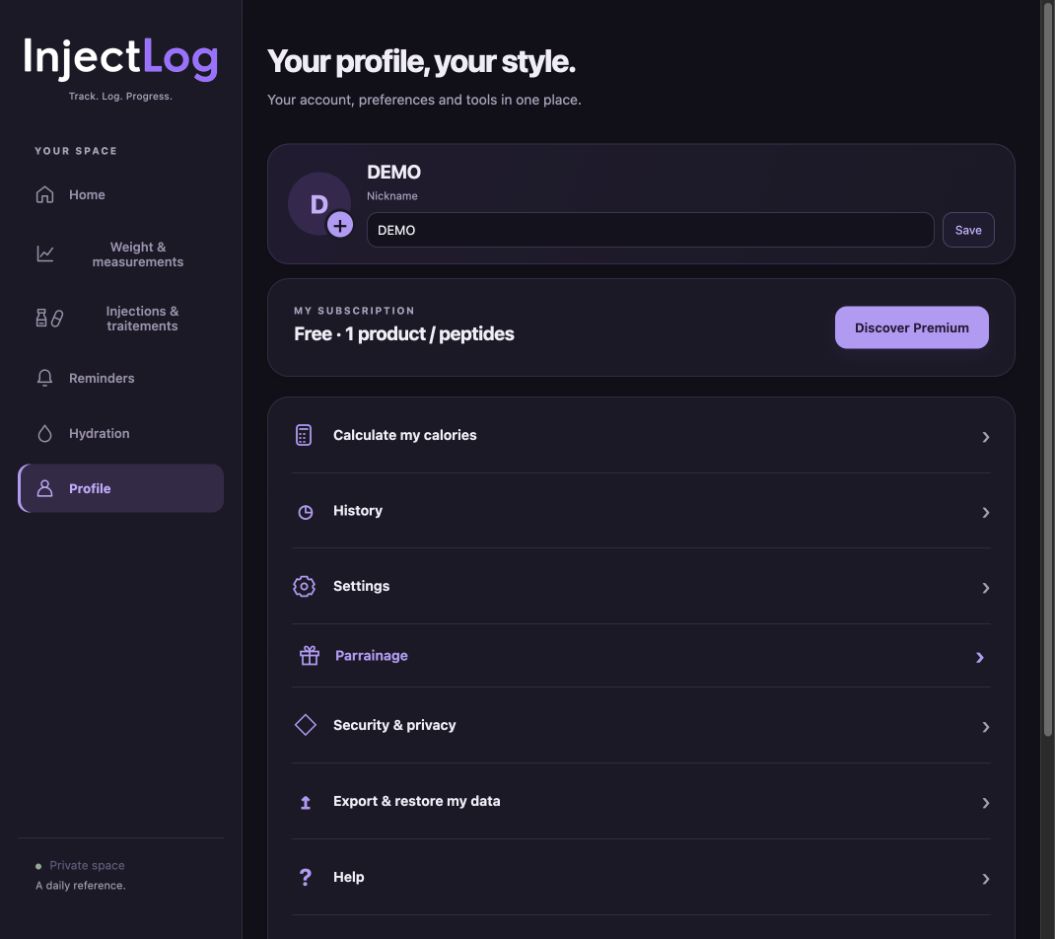
In Profile, the + on your photo lets you choose and crop an image.
Steps
- In Profile, the + on your photo lets you choose and crop an image.
- Settings contains languages, appearance, metric or imperial units and the 3D body choice.
- Home customisation is a Premium feature.
Expected result
In Profile, the + on your photo lets you choose and crop an image.
Common problems and solutions
Check the signed-in account, selected section and features included in your plan. If unsure, do not delete data; read troubleshooting or contact support.
Frequently asked questions
Edit my profile and settings ?
In Profile, the + on your photo lets you choose and crop an image.